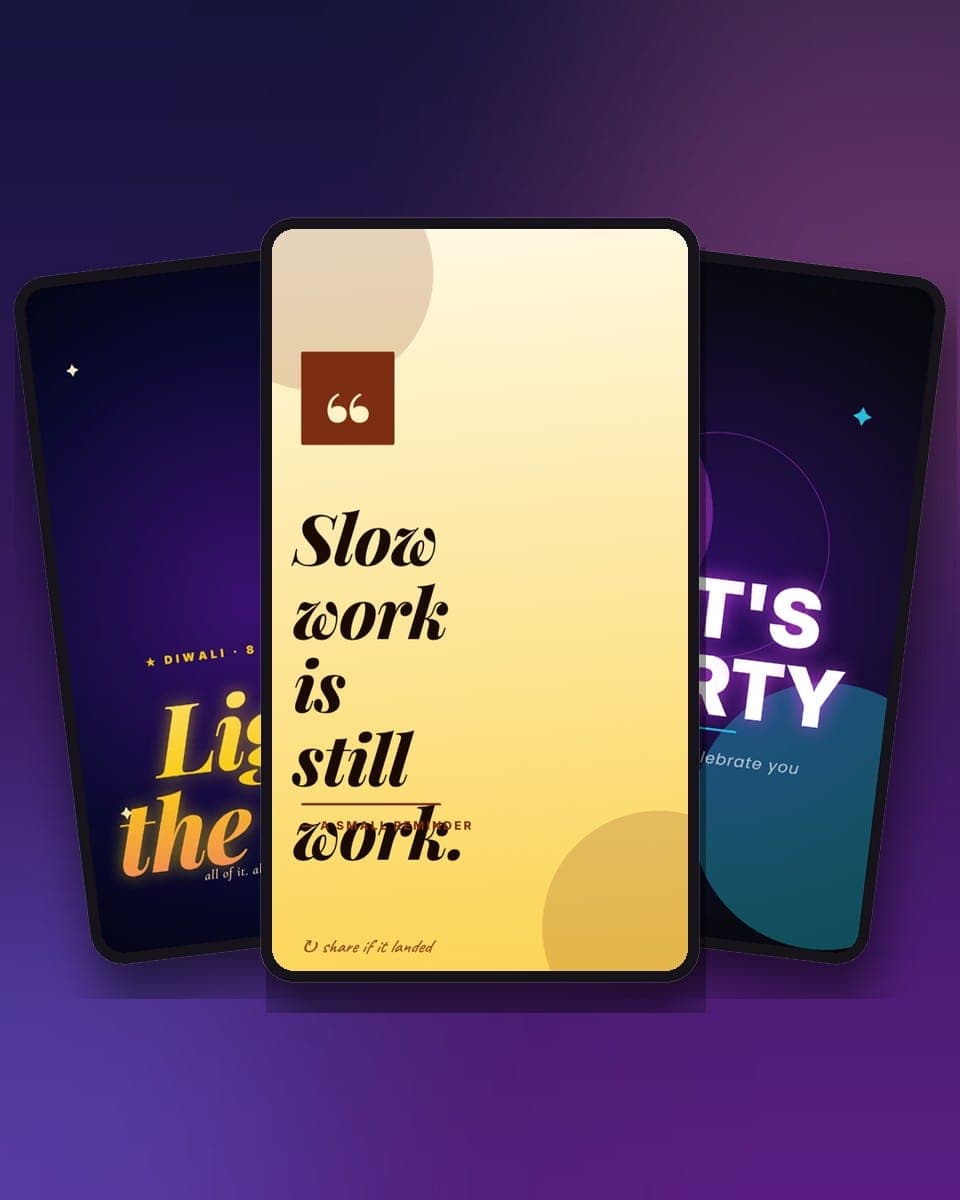
Momento Studio has 51 animated Instagram story templates, all 9:16 at 1080 by 1920 pixels, and all export as MP4 that posts as a story, a reel or a WhatsApp status. They are free to open and edit without signing up. This guide is about using them well: which template for which post, where the text can and cannot go, what to do about music, and how to tell a story from a reel.
The templates themselves are on the Instagram story templates page, each with a button that opens it in the editor.
What a story template is
A story template in Studio is a vertical document with layers (text, photos, shapes, stickers, sometimes 3D props) and a timeline that says when each layer enters and how it moves. The motion is already done when you open it. You change the words, add a photo, maybe a track, and export a video. Because the template is 9:16 from the start, nothing is cropped when Instagram or WhatsApp shows it.
Three facts to know:
- Free to edit, no sign-up. Open, edit and preview any template as a guest. Sign in only to save, share or export.
- About one in five exports free; the rest unlock once for ₹19 in India or $1.99 elsewhere and stay yours.
- Exports: MP4 or WebM at 1080 by 1920, animated GIF, PNG or JPG, or a link that plays the animation in any browser.
The safe zone
Instagram lays its own interface over your story: the profile picture and username and the progress bar across the top, the reply box and the share button across the bottom. On a 1920-pixel-tall story, those bands are roughly 250 pixels at the top and 340 pixels at the bottom. Anything you put there is covered.
The templates keep headlines and faces inside the middle, and the rule when you edit is simple: do not drag a text layer into the top or bottom band. If you add a second line of text and it does not fit, make the type smaller rather than pushing it down. WhatsApp status has a similar band at the bottom for the caption, so the same rule covers both.
Before you send
A face in a photo should sit in the upper middle of the frame, around a third of the way down. That is where the eye lands first on a story, and it is clear of both bands.
The 51 templates by purpose
| Purpose | Count | Examples |
|---|---|---|
| Festival stories | 27 | Diwali Rocket Night, Eid al-Adha Crescent, Holi, Independence Day Tiranga Flow, Navratri Dandiya Night, Christmas Santa Sleigh, New Year Resolution List |
| Birthday, wedding, love, teachers', fathers' | 9 | Neon Disco, Pahadi Shaadi, Heart Rain, Teachers' Day Story, Fathers' Day Handwritten, Good Morning |
| Social: quote, countdown, before-and-after | 3 | Quote Story, Countdown Story, Before and After |
| Motion and kinetic type | 5 | Typography Kinetic, Typewriter Monologue, Explosive Reveal, Loop Mood, Promo Burst |
| Multi-page stories | 6 | Birthday Story Arc, Launch Countdown, Product Reveal, Promo Flash, Quote Three-Beat, New Year Resolution |
| Other | 1 | Story Modern, a plain story with a headline and a photo |
The count by category is on the templates page and changes as templates are added; the purposes do not.
Festival stories
Twenty-seven of the fifty-one are festival stories, because that is what most people post as a status. Each major festival has a 9:16 version of its card: Diwali Rocket Night with rockets climbing the frame, Diwali: A Wish That Travels where the wish crosses the frame as a lamp passed hand to hand, Independence Day Tiranga Flow, Navratri Dandiya Night, Eid al-Adha Crescent, Christmas Santa Sleigh and New Year Resolution List.
For a festival story, change the greeting line and the name, add a photo if you like, and post it on the morning of the day. The full list, with the posts and squares that go with each story, is on the festival card templates page; the Diwali week is on its own page with the 2026 dates.
Birthday, wedding and the family
Birthday Neon Disco is the birthday status: a neon frame, a name set large, and a beat. Pahadi Shaadi Story is a wedding invitation as a story with mountains and a dhol. Heart Rain is a love note with hearts falling. Teachers' Day Story and Fathers' Day Handwritten are the ones to post on the day with a photo of the person.
All of them have a photo frame or accept a photo layer: upload it, crop it to the frame, and keep the face in the upper middle.
Quotes, countdowns and before-and-after
The three social templates are for accounts that post every day. Quote Story sets a quote and an attribution with a slow entrance; change the line and the name and it is done. Countdown Story counts to a date: an event, a launch, a wedding; change the number and the label. Before and After wipes from one photo to the other, for a renovation, a makeover, a design revision or a weight-loss post.
Save the quote project once with your font and colour and duplicate it each day. The look stays consistent, which is what makes a feed look like one account.
Motion and kinetic type
Five templates where the type is the design. Typography Kinetic throws words across the frame in time; it works for an announcement or a manifesto. Typewriter Monologue types a paragraph line by line, for a longer thought. Explosive Reveal and Promo Burst are for a drop or a sale. Loop Mood is an ambient loop with a single line, for a status that just sits there and looks good.
These are the ones to export as MP4 and post as a reel rather than a story, because the motion is the content.
Multi-page stories, for reels
A story is one scene. A reel is a sequence. The six multi-page templates give you the sequence with the transitions already timed: Birthday Story Arc teases, wishes and toasts; Launch Countdown counts three, two, one, reveal; Product Reveal shows the box, the product, the price; Promo Flash is the offer in three beats; Quote Three-Beat splits a quote across three pages; New Year Resolution lists them one page at a time.
You can add pages to any template on the timeline, so a single-page story can become a reel if you want one.
Music
Pick a track from the library or upload your own clip, and set when it starts on the timeline. The track is baked into the MP4, so it plays on WhatsApp status, on LinkedIn and anywhere else the file goes.
The one exception is Instagram's own music. If you want a licensed song from Instagram's library, with the artist tag, export with no track and add the music in the Instagram app when you post. Instagram will not add its music on top of a video that already has sound in some regions, and the tagged song is what gets the story shown on the audio page.
Export and post
- Open the template from the story templates page and change the words, the photo and, if you want, the track.
- Export MP4. The file is 1080 by 1920 and plays at full height everywhere.
- Instagram story: open the app, tap your story, pick the video from the gallery, add Instagram music or stickers, post.
- Instagram reel: tap the plus, choose Reel, pick the video, add the audio and the caption, post.
- WhatsApp status: Status, pick the video, post. For a chat, share the Studio link instead so the animation plays in the browser.
- Pro templates unlock once for ₹19 ($1.99) at the export step and stay yours.
GIF, PNG and the link
A story template also exports as a GIF (short loop for a chat), a PNG (a still, for a poster or a thumbnail) and a link that plays the full animation with music in any browser. The link is the one to put in a bio or a WhatsApp chat.
Story, reel or status?
| Story | Reel | WhatsApp status | |
|---|---|---|---|
| Lasts | 24 hours | Stays on the profile | 24 hours |
| Length | Up to 60 seconds per segment | Up to 90 seconds | Up to 60 seconds |
| Use | A single scene: a wish, a quote, a countdown | A sequence: multi-page and motion templates | The same as a story, for the contacts list |
| Music | Instagram's, added in the app, or your own baked in | Instagram's or your own | Your own, baked in |
| Template | Any single-page 9:16 | Multi-page and motion | Any single-page 9:16 |
A rule that holds: if the motion is the point, it is a reel; if the message is the point, it is a story. The business, social and motion templates cover the other sizes, 4:5 posts, squares, pins, thumbnails and a LinkedIn banner, for the rest of the feed.