
Most HR calendars are a spreadsheet tab called Birthdays and a shared memory that Diwali is "sometime in October or November". It works for twelve people. It stops working at forty, the first time the tab's owner is on leave, or the first time a new hire in another timezone gets their card a day late.
This is the 2027 calendar, laid out the way it should be run: which dates recur per person, which go to everyone, which should send themselves, and what to write so none of it reads like a system did it.
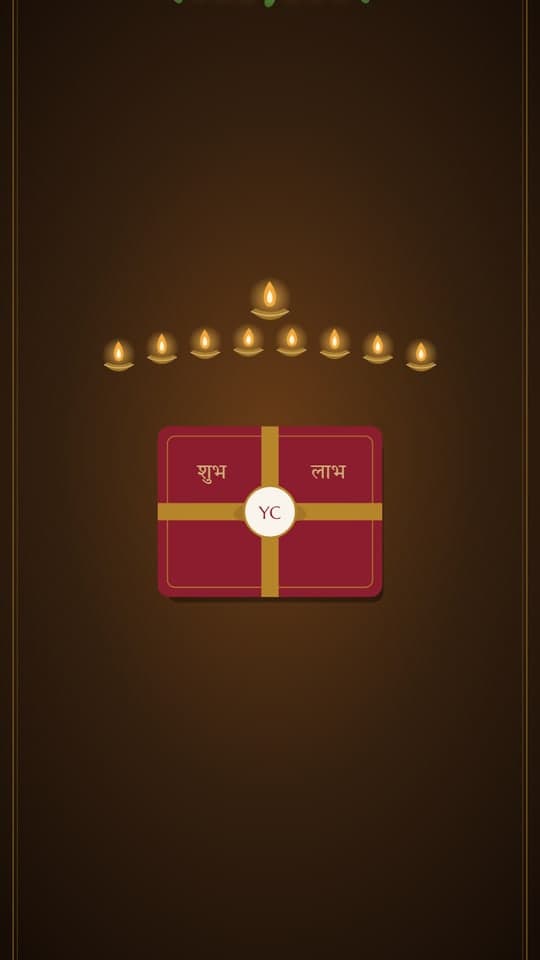
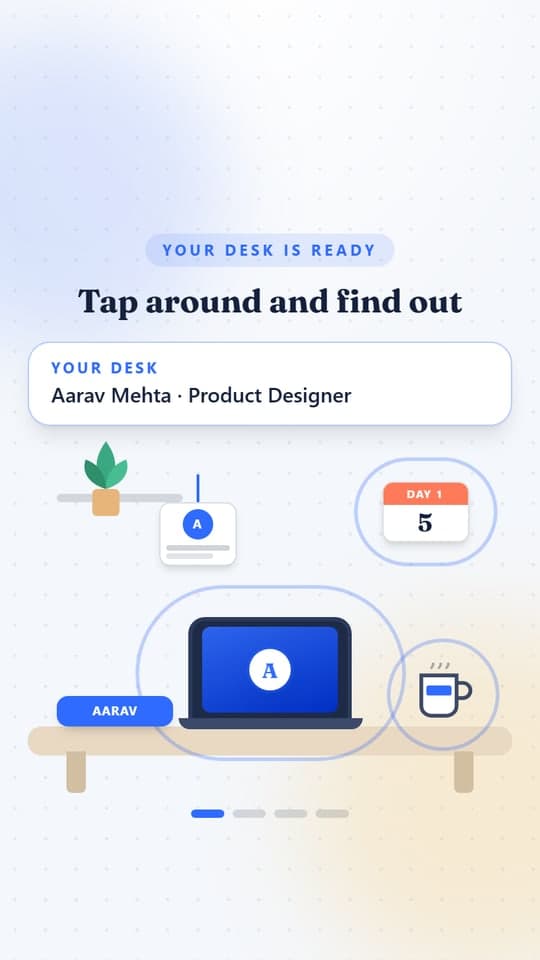
What an employee celebration calendar is, and why it has two halves
An employee celebration calendar is every date on which an employee should hear from the company, with three decisions attached: who sends it, what it says, and whether it runs automatically.
The dates split into two kinds, and the split decides how you run them:
- Per-person dates recur once a year for each employee on a date only they have: birthday, work anniversary, first day. Forty employees means forty birthdays, none on the same day. These are the dates that get missed.
- Fixed dates land on the same day for everyone: Diwali, Eid, Christmas, New Year, a national day. These rarely get missed, but they get sent as one mass email nobody opens twice.
Both halves have the same fix: software that knows the dates sends a card that still carries a human message. The product side is on the MomentoCard for Business overview; this article is the calendar itself.
The 2027 calendar
Lunar dates
Dates marked lunar move with the moon and come from reference material. Confirm them against a panchang or the official moon-sighting announcement a few weeks ahead. Everything else is fixed or follows a weekday rule.
Per-person dates (recur for each employee)
| Occasion | When | Run it as |
|---|---|---|
| 🎂 Birthday | Their date, every year | Automated campaign |
| 🏅 Work anniversary | Their joining date, years counted | Automated campaign |
| 👋 First day | Their joining date, once | Automated onboarding campaign |
| ⬆️ Promotion | The day it is announced | Group card from the team |
| 🎁 Farewell or retirement | Last working day | Group card, scheduled for the morning |
| 🔟 Round-number anniversary | 5, 10, 20 years | Automated card plus a group card |
Fixed dates everyone gets
| Date in 2027 | Occasion | Notes |
|---|---|---|
| Fri 1 Jan | 🎆 New Year | Send on the 1st, or on 31 Dec as a year-end thank-you |
| Tue 26 Jan | 🇮🇳 Republic Day | Indian teams and offices |
| Sat 6 Feb | 🧧 Lunar New Year | Teams in China, Singapore, Malaysia, Vietnam and the diaspora |
| Fri 5 Mar | 💛 Employee Appreciation Day | First Friday of March; the one day purely about them |
| Mon 8 Mar | 🌸 International Women's Day | A greeting, not a marketing moment |
| ~9 to 10 Mar | 🌙 Eid al-Fitr (lunar) | Follows the moon sighting; send on Eid morning |
| Mon 22 Mar | 🎨 Holi (lunar) | Holika Dahan the evening before |
| Sun 9 May | Mother's Day | Optional; many companies skip parent days |
| Sun 20 Jun | Father's Day | Same |
| Sun 15 Aug | 🇮🇳 Independence Day | Indian teams and offices |
| Tue 17 Aug | 🪢 Raksha Bandhan (lunar) | A light greeting at most |
| Sun 5 Sep | 📚 Teachers' Day | Schools, coaching centres, training teams |
| Fri 29 Oct | 🪔 Diwali (lunar) | Dhanteras 27 Oct, Bhai Dooj 31 Oct (approx.); send on Diwali morning, or Dhanteras if the office closes |
| Thu 25 Nov | 🦃 Thanksgiving (US) | The natural slot for a thank-you card |
| Sat 25 Dec | 🎄 Christmas | Send on the 24th or 25th; the 26th reads as an afterthought |
| Fri 31 Dec | 🙏 Year-end thank-you | One card to the whole team naming what the year was |
Also worth a slot if they apply: the company's founding day, a product launch, and for Gulf teams Kuwait National Day (25 Feb), UAE National Day (2 Dec) and Bahrain National Day (16 Dec).
Automate the dates, hand-craft the moments
One rule keeps a calendar running for years instead of one enthusiastic quarter.
Automate anything that recurs on a known date. Birthdays, anniversaries, first days, festivals, national days. They fail for one reason: someone has to remember on the day. Put them in software. The card still carries a message a person wrote, a logo and the employee's name; only the remembering is automated.
Hand-craft anything where the point is who signed it. A farewell, a retirement, a promotion, a tenth anniversary. Use a group card: one link in the team channel, colleagues add a message and a photo without an account, you set a deadline and schedule delivery, and the person opens one card with every message in it. It is what Kudoboard does by hand; on MomentoCard it sits next to the automation.
A tenth anniversary gets both: the automated card at 9 am with the years counted, the group card at lunch with the team's messages.
Set the whole calendar up in fifteen minutes
The full walkthrough, screen by screen, is in the guide to automating employee greeting cards. The short version:
- Create a Business workspace at momentocard.app/org. Company name, timezone, sender name. Employees never need an account.
- Import a CSV with name, email, birthday, joining date, department, timezone, language. Headers like DOB, hire date and tz are recognised; bad dates are flagged before anything sends.
- Brand it once. Logo, colours, one of ten email layouts. Growth and Scale add your own sending domain.
- Create the Birthday campaign. Card, subject, one message with
{{firstName}}, send hour (keep 9 am local). Preview on a real employee. - Copy it for Work Anniversary and Onboarding. Anniversary uses
{{years}}; Onboarding sends on the joining date with{{department}}. - Add the fixed dates as Festival campaigns: Diwali, Eid, Christmas, New Year, your national day.
- Test-send each to yourself, open it on your phone, activate.
Before you send
Set every employee's timezone in the CSV if the team is distributed: 9 am means 9 am in Bengaluru, Dubai and New York. And put a named sender with a designation on the campaign, not "HR Team". The signature is what makes a card read as sent rather than scheduled.
What to write for each date
Write once; merge fields personalise it for everyone. {{firstName}}, {{department}}, {{designation}}, {{companyName}}, {{years}}, {{month}} and {{newYear}} work in the subject, the message and on the card. An empty field is dropped, never printed as a blank.
Birthday
Happy birthday, {{firstName}}. Everyone at {{companyName}} is glad you are on the team. Take the day lightly; the work will keep.
Happy birthday, {{firstName}}. One more year of your judgement and your calm on the {{department}} team, and we are lucky for it.
Janamdin mubarak, {{firstName}}. Aaj ka din aapka hai; kaam kal bhi hoga. From all of us at {{companyName}}.
Lines for a boss or a client are in corporate birthday wishes for employees.
Work anniversary
{{years}} years today, {{firstName}}. Thank you for every one of them. From all of us at {{companyName}}.
Happy work anniversary, {{firstName}}. {{years}} years in, the {{department}} team is better for every one of them.
For the round numbers, add one real sentence by hand in the group card: the project they carried, the hire they made.
First day
Welcome to {{companyName}}, {{firstName}}. The {{department}} team has been looking forward to this. Your first week is yours to find your feet.
The interactive version, with a door to tap open and a first-day checklist, is the welcome card for a new team member.
Diwali, Eid, Christmas and New Year
Happy Diwali, {{firstName}}. May the year ahead be as bright as tonight. Warm wishes from everyone at {{companyName}}.
Eid Mubarak, {{firstName}}. Peace, joy and a table full of people you love. From all of us at {{companyName}}.
Merry Christmas, {{firstName}}. Thank you for this year. Rest well, and we will see you in {{newYear}}.
Happy New Year, {{firstName}}. {{newYear}} is yours to shape, and we are glad to be shaping it with you.
Festival cards are the ones most often sent as a mass email with a stock image. A named card, in the employee's own language, at 9 am their time, is the entire difference.
Appreciation
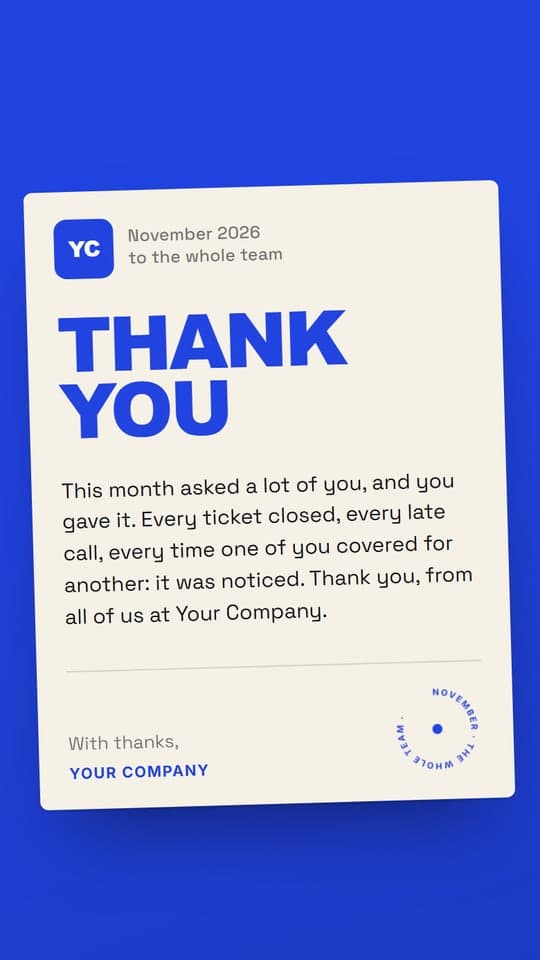
Thank you, {{firstName}}. {{month}} was a long one, and the {{department}} team carried it. We noticed.
Happy Employee Appreciation Day, {{firstName}}. The one day on the calendar that is only about you. Thank you for all of it.
The whole-team version with every name on it is the team thank-you card; the individual award is the employee of the month card.
Farewell and retirement (the group card)
{{firstName}}, we are not ready for this, but we are proud of you. Everything below is from the people who worked beside you.
The retirement version, with the years counting up and a signature wall, is the retirement card for a coworker.
Seven rules that keep automated cards from feeling automated
| Rule | Why |
|---|---|
| 9 am local, never midnight | A midnight card announces a machine sent it |
| One specific line | Department, years or project; merge fields give you two for free |
| A named sender | A person with a designation, not "HR" |
| Never a day late | A late card reads as a reminder that fired late |
| February 29 handled | Sent on the 28th in other years; nothing goes twice |
| Store only what you use | A birthday can be month and day alone; archive leavers and sends stop |
| Preview on a real person | See the exact card and email, test-send, then activate |
How to tell it worked
Open rate tells you the email was opened, not the card. The dashboard shows planned, sent, delivered, opened, viewed and clicked per campaign and per person. Watch viewed: it is the one that says the person saw the thing you made for them.
What the calendar costs to run
| Plan | Price | People | Campaigns |
|---|---|---|---|
| 30-day free trial | ₹0, nothing charged until it ends | Plan limit | Plan limit |
| Starter | ₹1,999 or $99 a year | up to 25 | 5 active |
| Growth | ₹3,999 or $169 a year | up to 150 | 20 active |
| Scale | ₹7,999 or $199 a year | unlimited | unlimited |
For a 25-person team, Starter is about ₹80 per person for a year of birthdays, anniversaries, first days and festivals. Current prices are on the business pricing page.
Start with two campaigns
Do not set up the whole calendar on day one. Create the workspace, import the CSV, activate Birthday and Work Anniversary. That removes the two dates that get missed most. Add Onboarding the next time someone joins, and Diwali or Christmas the week before. By the end of 2027 the calendar runs itself, and the only thing HR writes by hand is the one sentence on the round-number anniversaries, which is exactly the sentence worth a human.